
Design · 5 min read · November 2026
Vector or raster: which file do you need?
"Please send the logo in vector format." If you have ever heard this from a printer, sign maker or embroidery shop and sent them a JPG anyway, you are not alone. It is one of the most common points of confusion between business owners and print shops, and it is the reason many logos come out blurry on big boards.
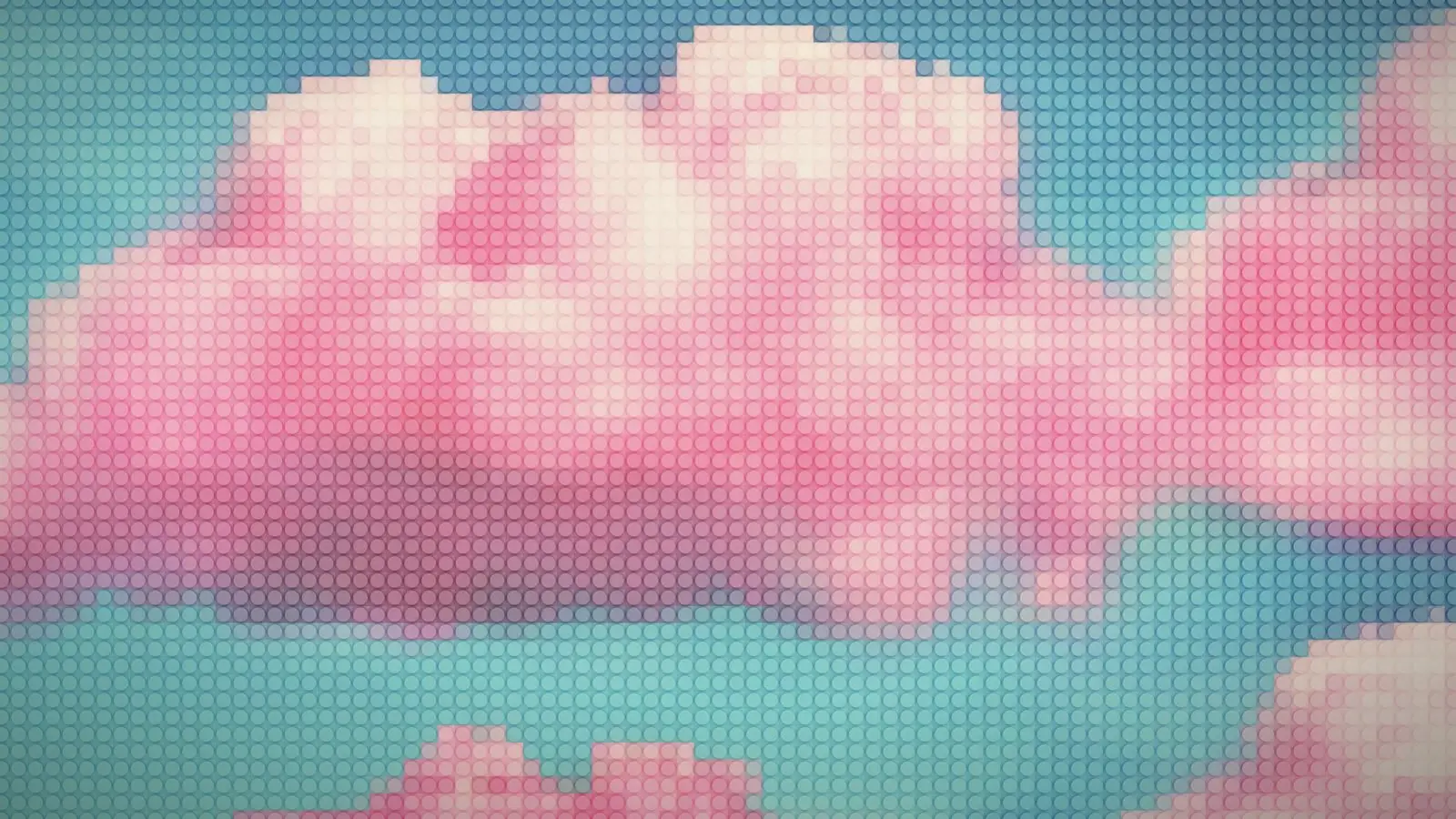
Here is the difference between vector and raster images in plain language, how to tell which file you have, and which type to use for which job.
01
Raster images are made of pixels
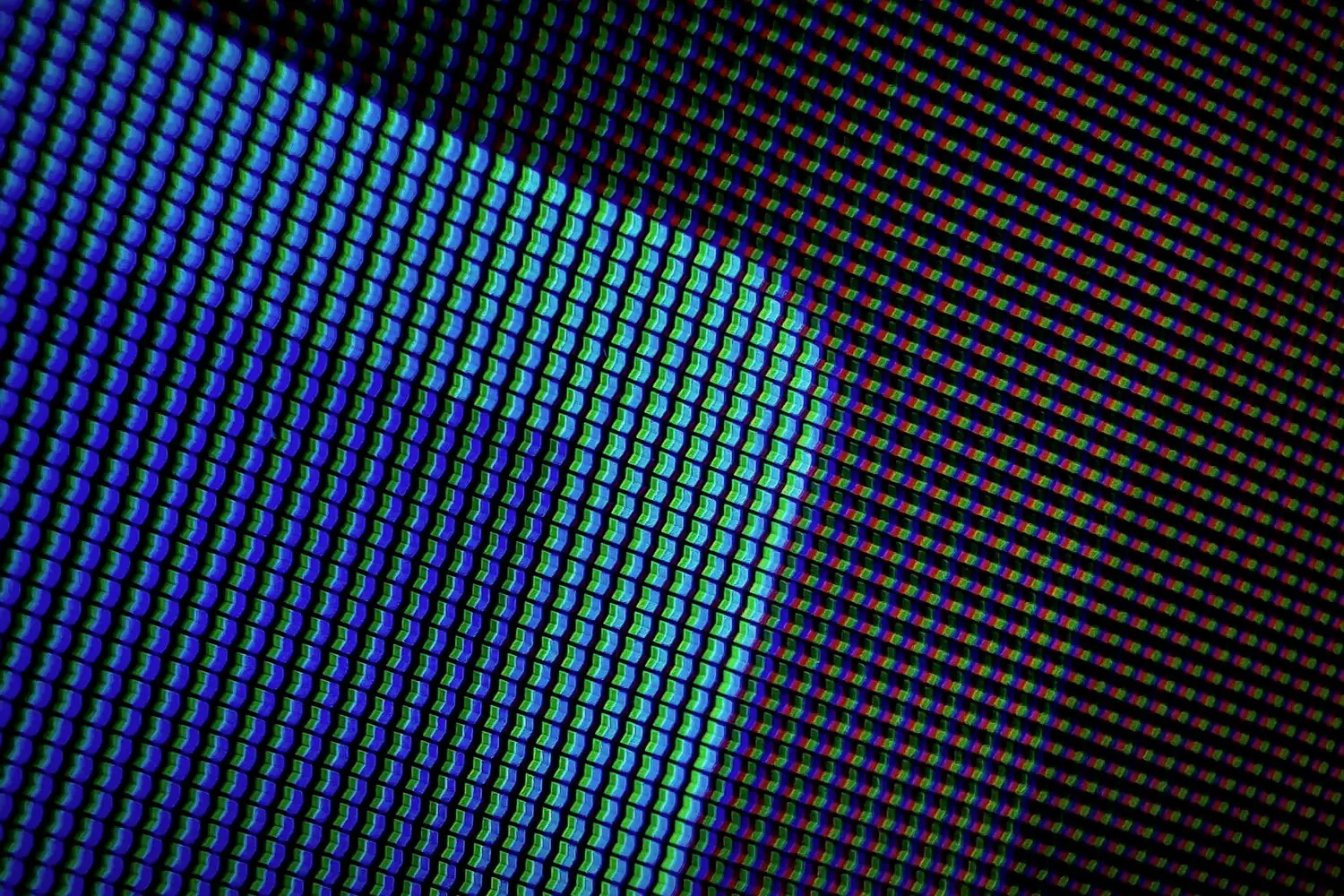
A raster image is a grid of tiny coloured squares called pixels. Photos from your phone, screenshots and most images you download are raster images. Common raster formats are JPG, PNG, WEBP and GIF.
Raster images look fine at the size they were made for. But enlarge them beyond that, and the pixels become visible: edges turn blocky and soft. A 500-pixel-wide logo that looks sharp on WhatsApp will look terrible printed two metres wide on a flex board.
02
Vector images are made of shapes
A vector image is made of mathematical shapes: points, lines and curves. Instead of storing each pixel, the file stores instructions like "draw a curve from here to here and fill it with this colour". Because of that, a vector image can be scaled to any size, from a pen to a building, and remain perfectly sharp.
Common vector formats are SVG, AI (Adobe Illustrator), EPS and vector PDF. Logos, icons, illustrations and text are ideally created as vectors.
03
Why printers and sign makers want vectors
Large-format printing, cutting machines and embroidery all work best from vector files. A vinyl cutter or laser cutter follows the shapes directly, so it literally cannot work from a JPG. Screen printers separate colours from vector shapes. Sign makers enlarge logos to huge sizes.
A vector file also lets the printer change colours accurately, adjust for their materials and avoid the fuzzy edges that appear when a small raster image is stretched.
04
When raster is the right choice
Photographs are always raster. You cannot turn a photo of your shop into a vector without changing it into an illustration. For photos, the answer is high resolution: at least 300 pixels per inch at the printed size for brochures and cards, and lower for large banners viewed from a distance.
For websites and social media, raster formats like PNG and WEBP are normal and practical. Many websites also use SVG for logos and icons, because they stay crisp on every screen.
A JPG saved inside a PDF is still a raster image. The file extension alone does not tell you whether the contents are vector.
05
How to check what you have
Open the file and zoom in to 800 percent or more. If the edges stay smooth and sharp, it is a vector. If they turn into visible squares or blurry steps, it is raster.
If you only have a raster logo, a designer can redraw it as a vector. Automatic tracing tools exist, but they often produce wobbly edges and too many points. A clean manual redraw usually takes a few hours for a simple logo.
06
Keep both types organised
The ideal logo folder has vector masters (SVG, PDF, EPS, AI) for printing and signage, and raster exports (PNG and JPG at several sizes) for everyday digital use. Name the files clearly so anyone in your team can find the right one.
Vector for logos, high resolution for photos
The simple rule: anything that is drawn, like logos, icons and text, should exist as a vector. Anything photographed should be kept at the highest resolution you have. With both, any printer, sign maker or web developer can work with your brand without guessing.
A vector logo can be printed on a pen or a building. A JPG can't.
If your printer has been asking for a vector file and you do not have one, it is worth sorting out once. Every future print job becomes easier.
Which file for which job
- Signboards and banners. Vector logo (PDF, AI, EPS, SVG).
- Vinyl, laser cutting, embroidery. Vector only, text outlined.
- Brochures and cards. Vector logo plus photos at 300 PPI.
- Websites. SVG or PNG logo, WEBP or JPG photos.
- WhatsApp, documents, social media. PNG or JPG at a suitable size.
When in doubt, send the vector PDF. A printer can always make a raster image from a vector, but not the other way round.
Quick answers
What is the difference between vector and raster?
Raster images are made of pixels and lose quality when enlarged. Vector images are made of shapes and can be scaled to any size without losing sharpness.
Is PNG a vector file?
No. PNG is a raster format. It supports transparent backgrounds, but it is still made of pixels. SVG, AI, EPS and vector PDF are vector formats.
Can a JPG logo be converted into a vector?
Yes, a designer can redraw it as a vector. Manual redrawing gives cleaner results than automatic tracing tools.
Related reading
Only have a JPG logo? I can redraw it.
I redraw old raster logos as clean vector files and supply a full file pack for print and web, as part of my graphic design work. New logos start at ₹8,000. Send me what you have.