
Design · 6 min read · November 2026
The logo files you should ask for
A lot of business owners find out about logo files the hard way. The printer asks for a vector file, the signboard maker wants a PDF, the website needs a transparent background, and all they have is one JPG on WhatsApp from three years ago. The designer has moved on, and the logo has to be redrawn from scratch.
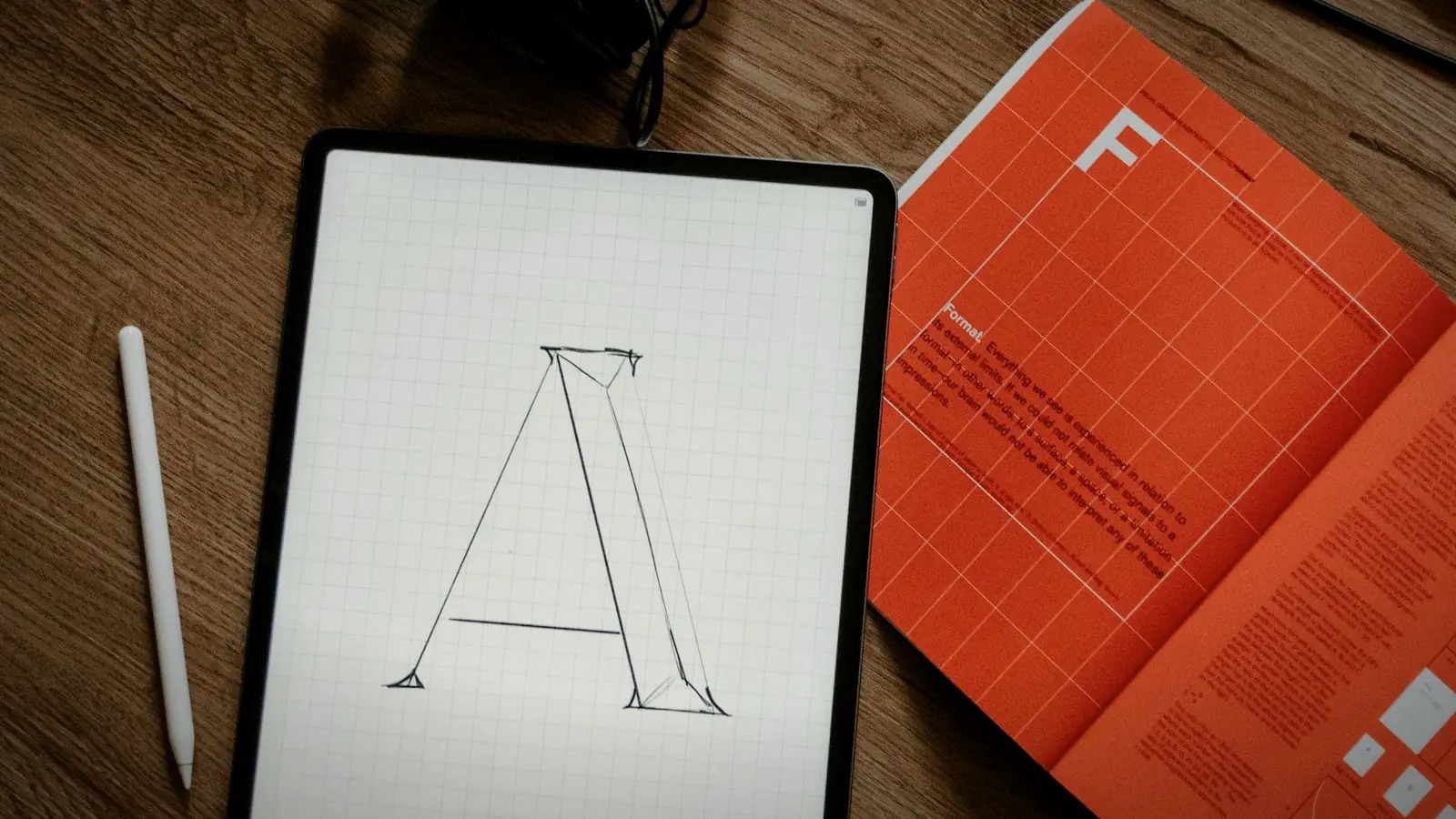
A proper handover avoids all of that. Here is the list of logo files and details I give every client, what each one is for, and how to check you have them before you pay the final balance.
01
The master vector files: SVG, PDF and EPS
Vector files are drawn with mathematical shapes rather than pixels, so they can be scaled to any size without going blurry. This is the most important part of the handover. A signboard, a vehicle wrap or a large flex banner all need a vector file.
SVG is the modern web-friendly format and opens in most design tools. A PDF saved from the original artwork is what most printers in Chennai ask for. EPS is older but some print shops and embroidery units still request it. You should also get the original working file (usually an Adobe Illustrator .ai file) if your agreement says you own the design.
Quick test: open the PDF and zoom in to 800%. If the edges stay sharp, it is vector. If they go blocky, it is just a picture saved as a PDF.
02
Ready-to-use PNG and JPG files
You will not open a vector file every time you need the logo for a WhatsApp profile, an email signature or a Word document. For that you need raster files in a few sizes.
PNG files with a transparent background are the ones you will use most: they sit cleanly on photos and coloured backgrounds. JPG files have a solid background and are fine for quick sharing. I usually supply a large version (around 3000 pixels wide), a medium one for documents and a small square one for profile pictures.
03
Every version of the logo, not just one
Most logos need more than one layout. A horizontal version fits website headers and letterheads. A stacked version fits square spaces. An icon or symbol on its own works for app icons, favicons and social profile pictures, where the full name would be too small to read.
Each layout should come in full colour, a single-colour version, an all-black version and an all-white (reversed) version for dark backgrounds. The single-colour version matters more than people expect: rubber stamps, embroidery, screen printing and engraving often allow only one colour.
04
Colour codes for print and screen
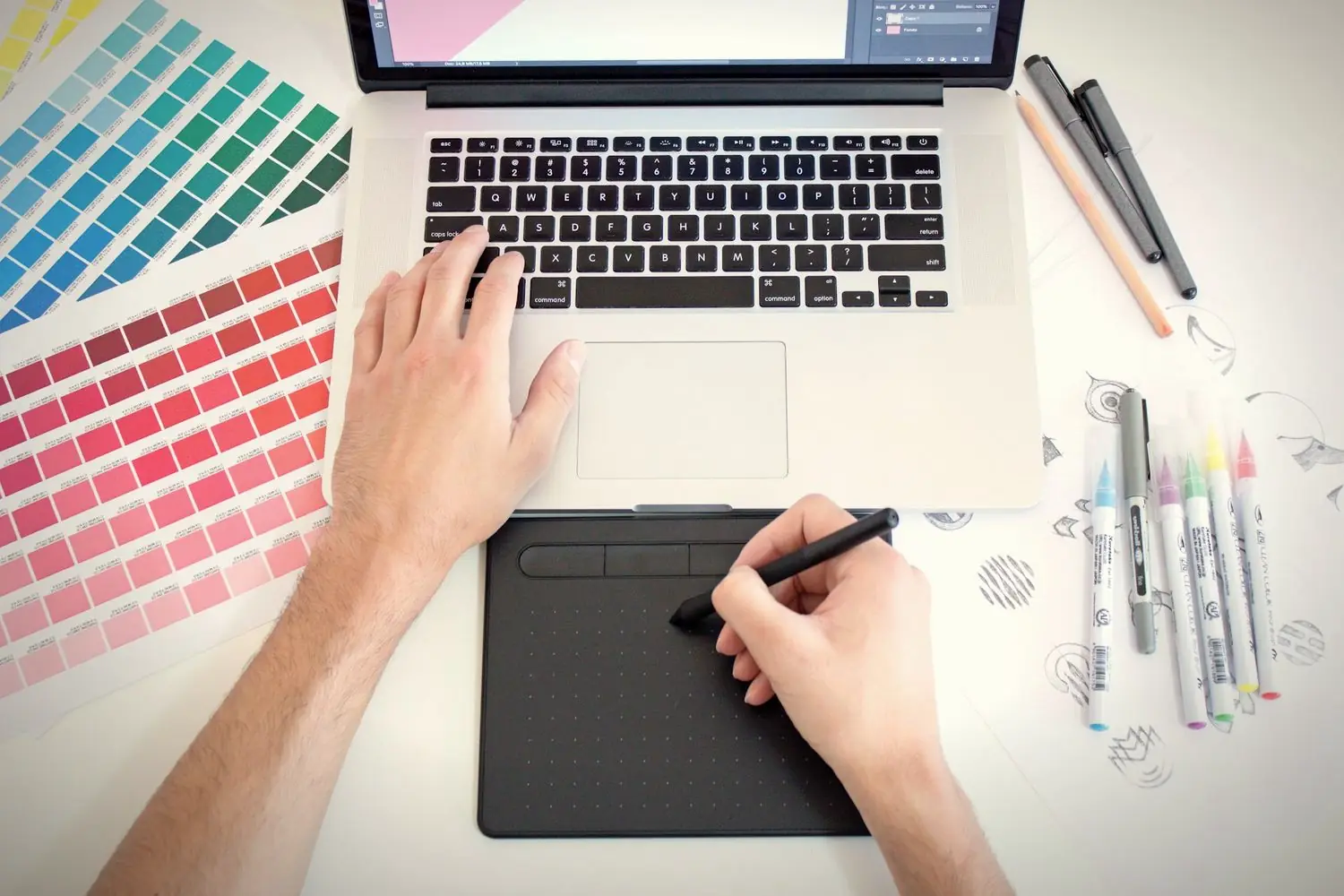
A logo colour looks different on a phone screen, on glossy paper and on a flex board unless everyone uses the same codes. Ask for HEX and RGB values for screens, CMYK values for printing, and a Pantone reference if your logo will be printed in spot colours on packaging or merchandise.
Write these codes somewhere you can find them. When a new printer or developer asks, you can send them in one message instead of letting them guess from a screenshot.
05
Font names and licences
Ask for the name of every font used in the logo and the brand. In the logo itself, the text should be converted to outlines so the file opens correctly on any computer. But you will still want to use the same fonts on brochures, menus or your website.
Check whether the font is free (like most Google Fonts) or needs a licence. If it needs one, the designer should tell you so before the work is final, not after.
06
Clear space and minimum size
A simple one-page guide showing how much empty space to leave around the logo and the smallest size it can be printed at saves a lot of badly cramped visiting cards and unreadable pen prints. It does not need to be a thick brand book. One page is enough for most small businesses.
07
Ownership in writing
Files are only half the handover. Ask for a short written note or invoice line confirming that, once paid, the logo is yours to use without restriction. It also helps to confirm that the design was created for you and is not a template or resold artwork.
Collect everything before the final payment
The best time to ask for files is before you pay the balance, while the designer is still working on your project. Months later, files get lost, laptops get replaced and people stop replying. Make a folder on Google Drive, put every file in it, and share the link with one other person in your business.
If only one person has the logo files, the business doesn't really have them.
If you already have a logo but only a JPG, it can usually be redrawn as a clean vector. It takes a few hours, not a full redesign, and it is worth doing once.
Logo handover checklist
- Vector masters. SVG, PDF and EPS, plus the original .ai file if agreed.
- Raster files. Transparent PNGs and JPGs in large, medium and small sizes.
- Layouts. Horizontal, stacked and icon-only versions.
- Colour variants. Full colour, single colour, black and white.
- Colour codes. HEX, RGB, CMYK and Pantone where needed.
- Fonts. Names, download links and licence notes.
- Usage. Clear space and minimum size on one page.
- Ownership. Written confirmation that the logo is yours.
Save this list and tick it off when the files arrive. If anything is missing, ask straight away. A good designer will have it ready.
Quick answers
Which logo file format is best for printing?
A vector PDF or EPS is best for printing because it stays sharp at any size. Most printers in India will ask for a PDF with the text converted to outlines.
What is the difference between PNG and JPG for a logo?
A PNG can have a transparent background, so it sits cleanly on photos and coloured backgrounds. A JPG always has a solid background and is better only for quick sharing.
Can a JPG logo be converted to a vector file?
Yes, a designer can redraw it as a vector. Automatic tracing tools rarely give clean results, so it is usually redrawn by hand, which takes a few hours for a simple logo.
Related reading
A logo with every file you'll ever need.
Every logo I design comes with vector and raster files, colour and single-colour versions, colour codes and a one-page usage guide. Logo design starts at ₹8,000. Tell me about your business.