
Print · 5 min read · November 2026
T-shirt artwork that prints right
Custom t-shirts are everywhere: team uniforms, college events, startup merch, gym wear, family functions. The design might look perfect on screen, yet come back from the printer blurry, with odd colours or the wrong size. Usually the problem is the file, not the printer: each printing method needs artwork prepared in a slightly different way.
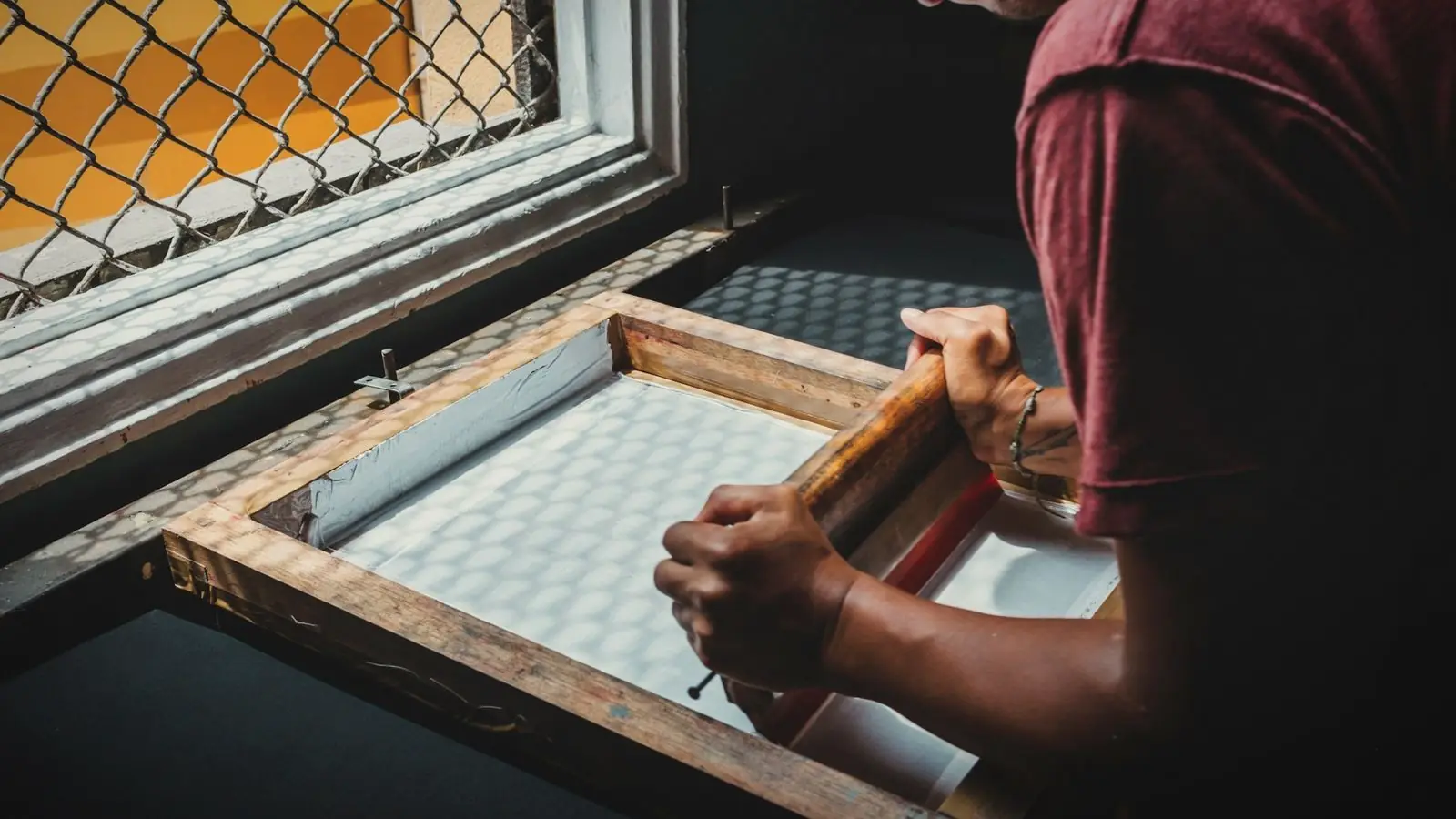
Here is how the three most common t-shirt printing methods in India work, and how to prepare files for each so your merch prints sharp.
01
DTF printing
DTF, or direct-to-film, prints the design onto a special film, which is then heat-pressed onto the fabric. It handles full-colour designs, gradients and photos, works on cotton and many blends, and suits small quantities. It has become very popular for custom t-shirts in India.
For DTF, printers usually want a high-resolution PNG with a transparent background, at the actual print size and around 300 DPI. Remove any background colour you do not want printed, because DTF prints whatever is in the file.
02
Screen printing
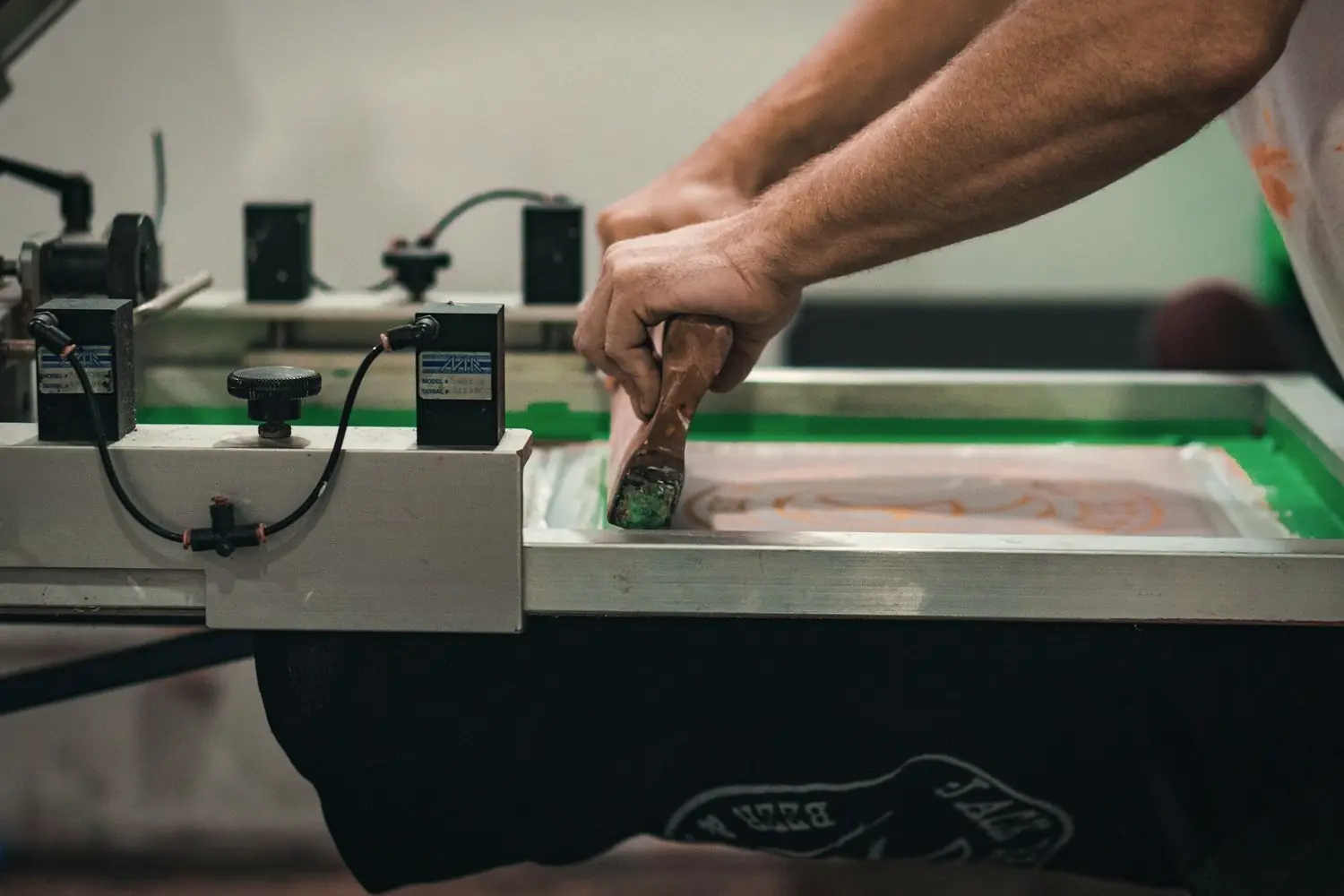
Screen printing pushes ink through a mesh stencil, one colour at a time. It gives bold, durable prints and becomes cost-effective for larger quantities, but each colour needs its own screen, so designs with fewer colours are cheaper.
Screen printers prefer vector files such as AI, PDF or SVG, with each colour clearly separated and text outlined. Gradients and photo-like effects need special techniques, so simpler, flat-colour designs work best.
Ask your screen printer how many colours are included in the price. Reducing a design from five colours to three can significantly cut the cost.
03
Sublimation
Sublimation uses heat to turn special ink into gas that bonds with polyester fibres. It allows all-over prints and vivid colours that do not crack or peel, which is why it is common for sports jerseys. It works on white or light polyester, not cotton.
Sublimation files are usually high-resolution images at full size, often prepared on a garment template supplied by the printer for all-over designs.
04
Print size and placement
Common print areas include a left chest logo, often around 8 to 10 cm wide, a front centre print, often around 25 to 30 cm wide, a back print and sleeve prints. Confirm the exact maximum print area with your printer, as it varies by method and t-shirt size.
Prepare artwork at the size it will actually be printed. Enlarging a small image later reduces quality.
05
Colour and fabric
Fabric colour changes how designs look. Light designs on dark t-shirts may need a white base layer, which DTF and screen printing handle differently. Very thin lines and tiny text may not print clearly on textured fabric.
Always ask for a sample print before a large order, especially for team uniforms or merch for sale.
06
Mockups before printing
A mockup shows the design on a t-shirt image in the chosen colour, at the correct size and position. It helps you and your team approve the design before printing, and catches problems like a logo that is too small or a colour that disappears on the fabric.
Choose the method, then prepare the file
The printing method decides how the artwork should be prepared: transparent PNG for DTF, separated vector colours for screen printing, full-size templates for sublimation. Agreeing on the method and size first saves time, money and disappointing results.
Same design, three methods, three different files.
Keep the master vector artwork and each print-ready version organised, so reorders and new sizes are quick.
T-shirt file checklist
- DTF. Transparent PNG, actual size, about 300 DPI.
- Screen print. Vector file, colours separated, text outlined.
- Sublimation. Full-size image on the printer's template, polyester only.
- Size. Print area confirmed with the printer.
- Mockup. Design shown on the actual t-shirt colour.
- Sample. Test print before a large order.
If you are unsure which method suits your order, tell the printer the quantity, fabric and design style. They will recommend the most suitable option.
For team or event t-shirts, collect sizes early and add a few spares. Late additions often cost more because they need a separate small print run, and someone always turns up needing a different size. A simple form or spreadsheet shared with the group saves a lot of last-minute messages.
Also think about washing. Ask the printer how the print should be washed and ironed, and share that with the people receiving the t-shirts. A design that lasts many washes leaves a much better impression of your brand than one that cracks after a month.
Quick answers
What file format is needed for t-shirt printing?
DTF printing usually needs a transparent PNG at actual size. Screen printing prefers vector files like AI, PDF or SVG. Sublimation uses full-size images on the printer's template.
Which is better, DTF or screen printing?
DTF suits full-colour designs and small quantities. Screen printing is more economical and durable for larger orders with fewer colours.
Can sublimation be done on cotton t-shirts?
Not effectively. Sublimation works on polyester or high-polyester fabrics, usually in white or light colours.
Related reading
T-shirt artwork ready for your printer.
I design t-shirt artwork sized for DTF or screen printing, with a mockup for approval. T-shirt design starts at ₹2,000 per design. Tell me about your order.