
Video · 5 min read · October 2026
The website background video, done right
A short, silent video looping behind the headline on a homepage can make a business feel alive: a kitchen in action, a factory floor, a resort's pool at sunset. Done carelessly, it is a heavy file that slows the page, distracts from the message and drains visitors' mobile data.
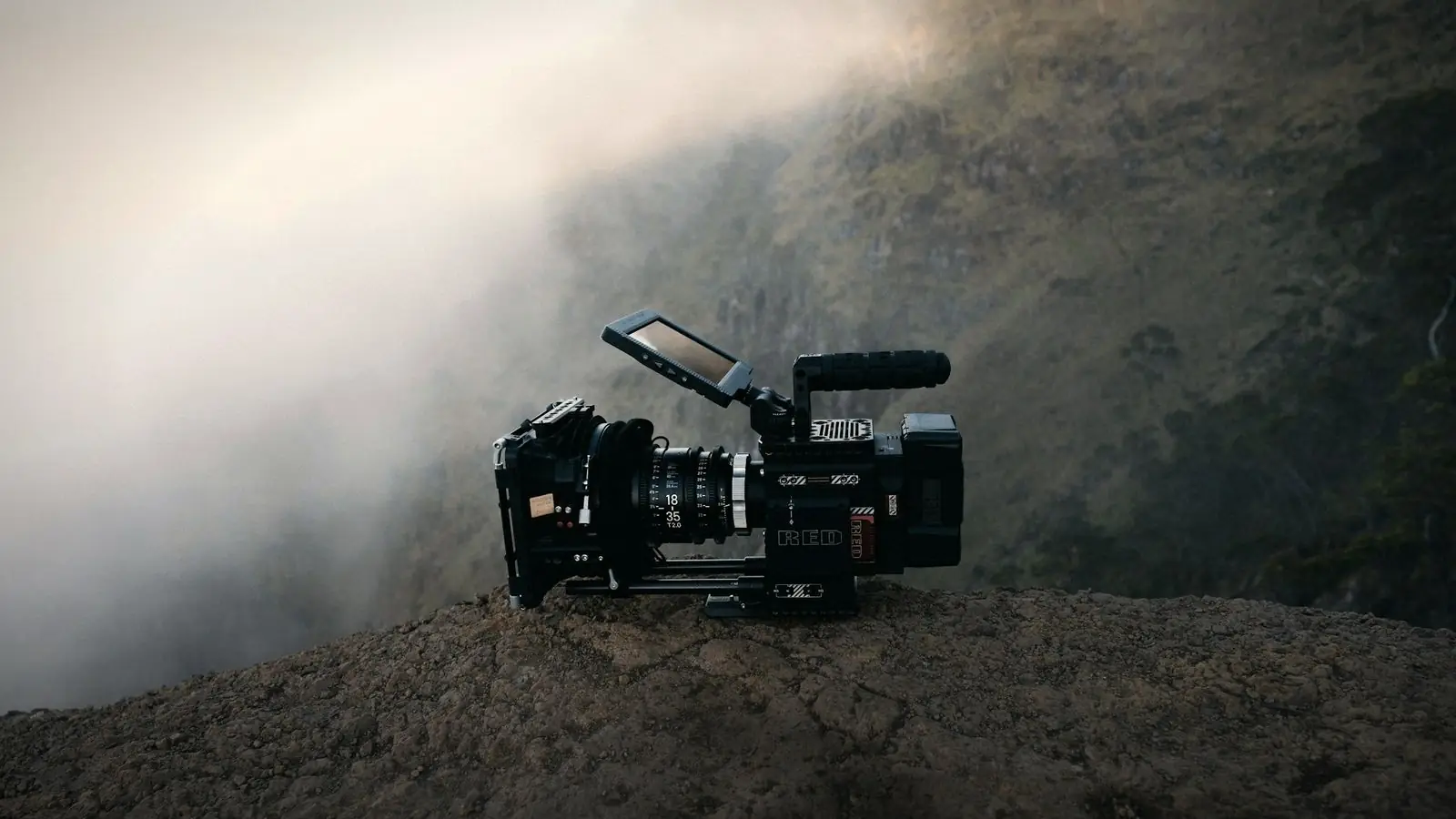
Here is when a background video genuinely helps, the technical limits to respect, and how to edit footage into a loop that looks good and loads quickly.
01
When it helps
Background video works when motion shows something a still photo cannot: the atmosphere of a restaurant, a process in action, the scale of a venue, the energy of an event. It suits hospitality, food, events, manufacturing and creative businesses. For many service businesses, a strong still photo communicates just as well with none of the cost.
It works best when the footage is genuinely yours. A loop of your actual kitchen, your actual team or your actual venue makes the first impression specific to you. A generic stock clip of a city skyline or people in an office adds weight to the page and tells visitors nothing they could not guess.
02
When it hurts
When it slows the first screen on mobile, when it competes with the headline so visitors cannot read it, when it is generic stock footage that says nothing about your business, or when it is the only way key information is shown. If the page works worse with the video than without, remove it.
03
Keep it short and small
Five to fifteen seconds is usually enough for a loop. Export at a modest resolution, such as 1280 or 1920 pixels wide, compressed heavily. Background video does not need the quality of a featured film; it sits behind text and often under a dark overlay. Aim for a file of a few megabytes at most.
Remove the audio track entirely. Background videos should be silent, and a silent file is smaller.
04
Make it loop seamlessly
A visible jump at the loop point looks amateur. Choose footage with continuous motion, such as steam, water, a slow pan or people moving, and edit so the end flows into the start. A gentle crossfade at the loop point can hide the join. Avoid shots with obvious beginnings and endings, such as someone walking in and out of frame.
05
Keep the headline readable
Text over moving footage is hard to read. Use a dark or coloured overlay, choose calm footage without busy detail behind the text area, or place the text beside the video rather than on top. Test readability on a phone in daylight.
06
Mobile and data
Many visitors browse on mobile data. Consider showing a still image instead of the video on phones, or a smaller, lighter version. Always provide a poster image that appears immediately while the video loads, so the first screen never looks empty.
07
Accessibility
Constant motion can distract or discomfort some visitors. Respect the "reduce motion" setting many devices offer, by showing a still image when it is enabled, and consider a small pause button. Never put essential information only in the video.
08
Shooting footage for a loop
If you are filming specifically for a background video, plan for it. Use a tripod or a very smooth slow movement, shoot several long takes of fifteen to thirty seconds each, and avoid people looking into the camera. Leave space in the frame where the headline will sit, usually the centre or left side. Calm, continuous action, such as a chef plating, waves on sand or machines running steadily, gives the editor the best chance of a seamless loop.
Motion should support the message
The headline is still the most important thing on the first screen. A background video should add atmosphere around it, not compete with it. If visitors remember the video but not what you do, it is working against you.
Short, silent, light and behind the message, not in front of it.
Test the page with and without the video. If enquiries or time on page do not improve with it, a strong photo may be the better choice.
Background video spec
Length 5–15 seconds, seamless loop Resolution 1280–1920 px wide Format MP4 (H.264), optional WebM Audio none (track removed) File size a few MB at most Fallback poster image; still image on mobile or when reduce-motion is on
Hand this spec to your editor and web developer together, so the video is edited and embedded with the same goals in mind.
Quick answers
Do background videos slow down websites?
They can, especially on mobile data. Keeping them short, small, silent and compressed, with a poster image and a mobile fallback, limits the impact.
How long should a website background video be?
Usually five to fifteen seconds, edited to loop seamlessly.
Should a background video have sound?
No. Background videos should be silent; remove the audio track entirely. Browsers generally block autoplaying video with sound anyway.
Related reading
A loop that loads fast.
I edit website background videos as seamless, silent, lightweight loops with poster images, and as a web designer I know how they will be embedded. Send me your footage.