
Video · 5 min read · October 2026
A video podcast setup that works
Video podcasts have become one of the most useful formats for businesses that sell expertise: consultants, clinics, educators, agencies, founders. One recorded conversation can become a long YouTube episode, an audio podcast and a dozen short clips. But only if it is recorded properly in the first place.
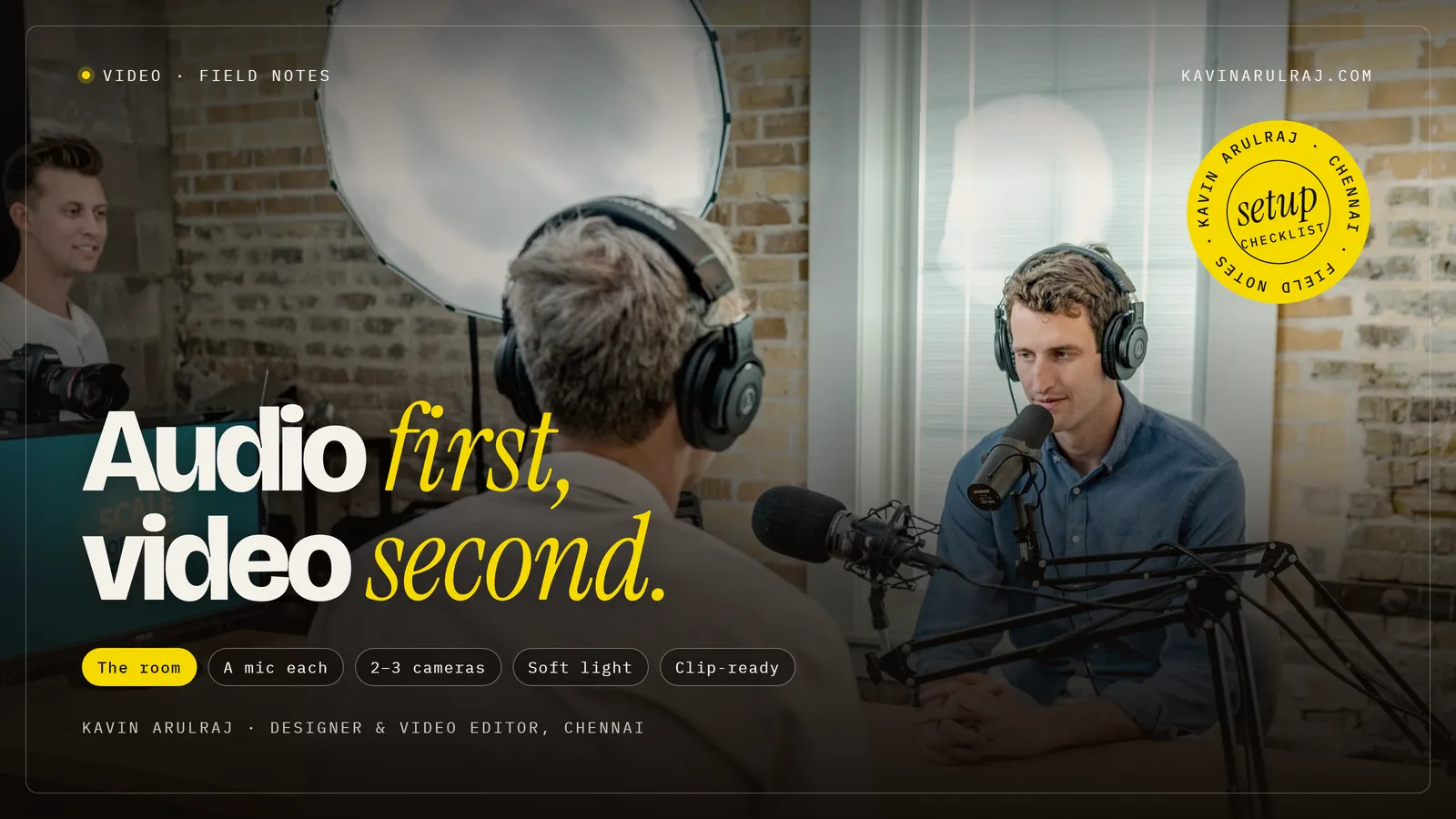
Here is a simple, reliable setup for recording a video podcast, the mistakes that make editing painful, and how the edit turns each episode into content for several platforms.
01
The room
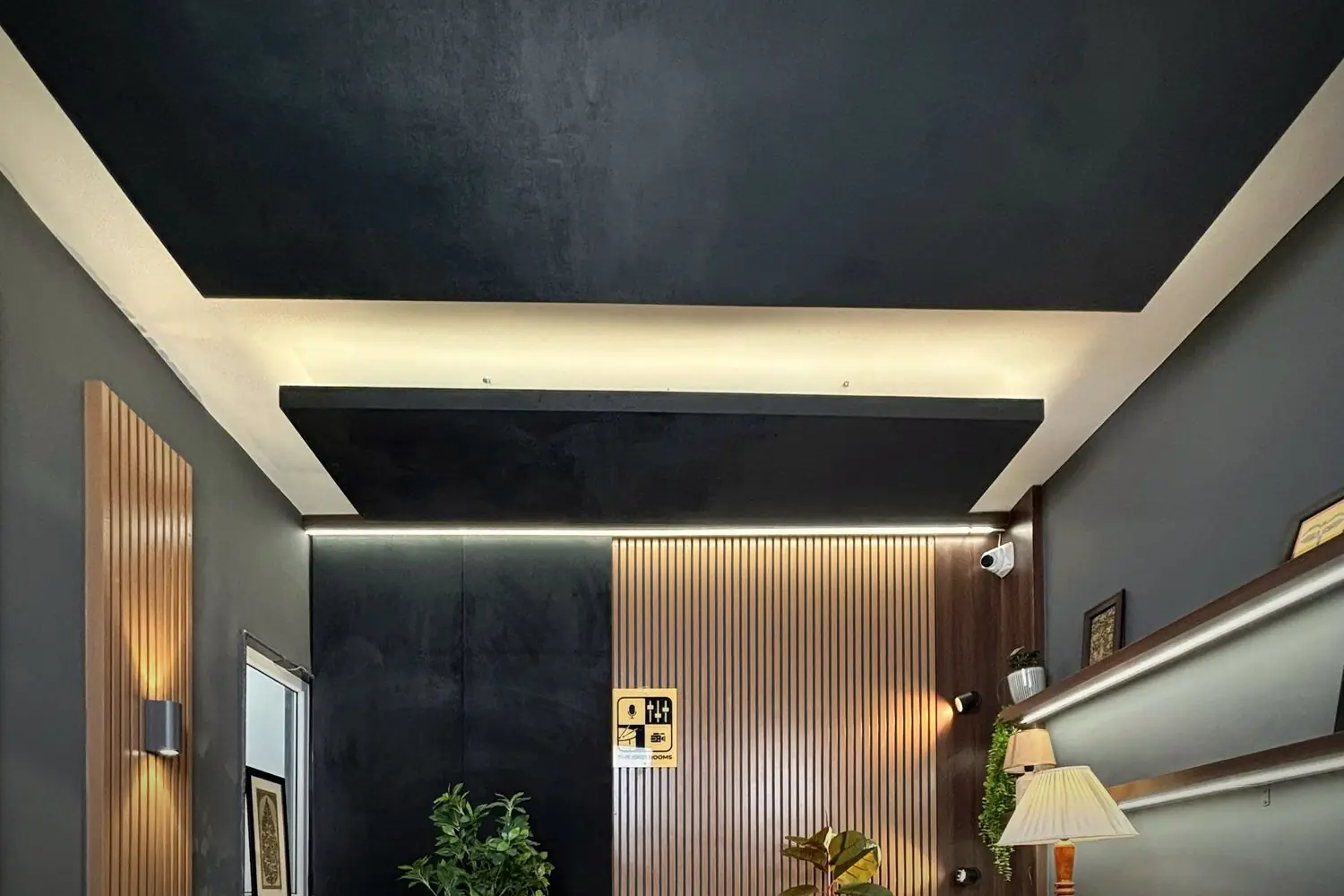
A small or medium room with soft furnishings: curtains, a rug, a sofa, bookshelves. Hard, empty rooms echo, and echo is very hard to remove. Choose a quiet time of day, switch off fans and ACs during recording, and close windows facing the road. The background should look like your business or a tidy, simple space.
02
A microphone for each person
Each speaker needs their own microphone, close to their mouth: a dynamic podcast microphone on a stand or arm, or a lapel mic. Record each mic to a separate track if possible, using an audio interface, a small mixer with multitrack recording or individual recorders. Separate tracks let the editor balance voices and fix one person's audio without affecting the other.
Dynamic microphones pick up less room sound than condenser microphones, which helps in untreated rooms.
03
Two or three cameras
A typical setup is one wide shot showing everyone, and one closer shot of each speaker. With two people, that is three cameras; a budget version is two, with each camera framing one person. Phones on tripods work if they can record long takes without overheating and have enough storage. Use the same frame rate on every camera.
04
Lighting
Soft, consistent light on each face. A large window can work for short recordings, but daylight changes over an hour, which makes clips mismatch. Soft LED lights with adjustable brightness and colour give consistent results. Add a small light in the background for depth.
Mark the positions of chairs, lights and cameras with tape on the floor, so every episode looks the same without setting up from scratch.
05
Recording workflow
Start all cameras and audio recorders, then clap once on camera to make syncing simple. Record a few seconds of silence for noise reduction. Keep an eye on battery, storage and audio levels. If someone stumbles, pause and restart the sentence; the editor will cut it. At the end, copy all files immediately to two places.
06
Plan episodes for clips
Short clips are where many podcasts find new viewers. Plan questions that produce self-contained answers: a clear opinion, a practical tip, a surprising story, a common mistake. During recording, note timestamps of strong moments. It makes finding the best clips much faster.
07
What the edit produces
From one recording: a full video episode for YouTube with camera switching, cleaned audio, titles and chapters; an audio-only version for podcast platforms; and several vertical clips with captions and hooks for reels, shorts and LinkedIn. Tighten the long episode too: remove false starts, long tangents and setup chatter.
08
Guests and remote recording
Not every guest can come to your studio. Remote recording tools can capture each person's camera and microphone locally and upload high-quality files, which look and sound far better than a standard video call recording. Send remote guests a short checklist in advance: a quiet room, headphones to avoid echo, a wired or lapel microphone if possible, a window in front of them and the camera at eye level.
Audio first, video second
Viewers forgive a slightly soft camera image but not echoey, uneven or noisy sound. If budget is limited, spend it on microphones and room treatment first, cameras second.
Separate mics, consistent light, and a clap at the start.
Do a full test recording before your first real episode, and send it to your editor. Ten minutes of feedback then saves hours on every episode afterwards.
Podcast setup checklist
- Room. Quiet, soft furnishings, tidy background.
- Audio. One mic per person, separate tracks, levels tested.
- Cameras. Wide plus one per speaker, same frame rate.
- Light. Soft and consistent, not changing daylight.
- Workflow. Clap to sync, note timestamps, copy files to two places.
This setup does not need a studio budget. It needs consistency: the same room, positions and settings for every episode, so the show looks and sounds the same each time.
Quick answers
What equipment do I need for a video podcast?
A microphone for each speaker, ideally recorded to separate tracks, two or three cameras or phones on tripods, soft consistent lighting and a quiet room with soft furnishings.
Can I record a video podcast with phones?
Yes, if the phones can record long takes without overheating and have enough storage. Use the same frame rate on each and record audio separately with proper microphones.
How many clips can I get from one podcast episode?
Often five to ten good short clips, depending on length and how many self-contained answers the conversation produces.
Related reading
One episode, every platform.
I edit video podcasts into a full YouTube episode with chapters, an audio version and a set of captioned clips. Send me a test recording and I'll tell you what to adjust before episode one.