
Web · 5 min read · October 2026
Taking appointments through your website
Clinics, salons, consultants, tutors, repair services and studios all live on appointments. Many still take every booking by phone, which means missed calls, back-and-forth messages and a diary only one person can see. An online booking option on the website can fill slots while you work and reduce no-shows.
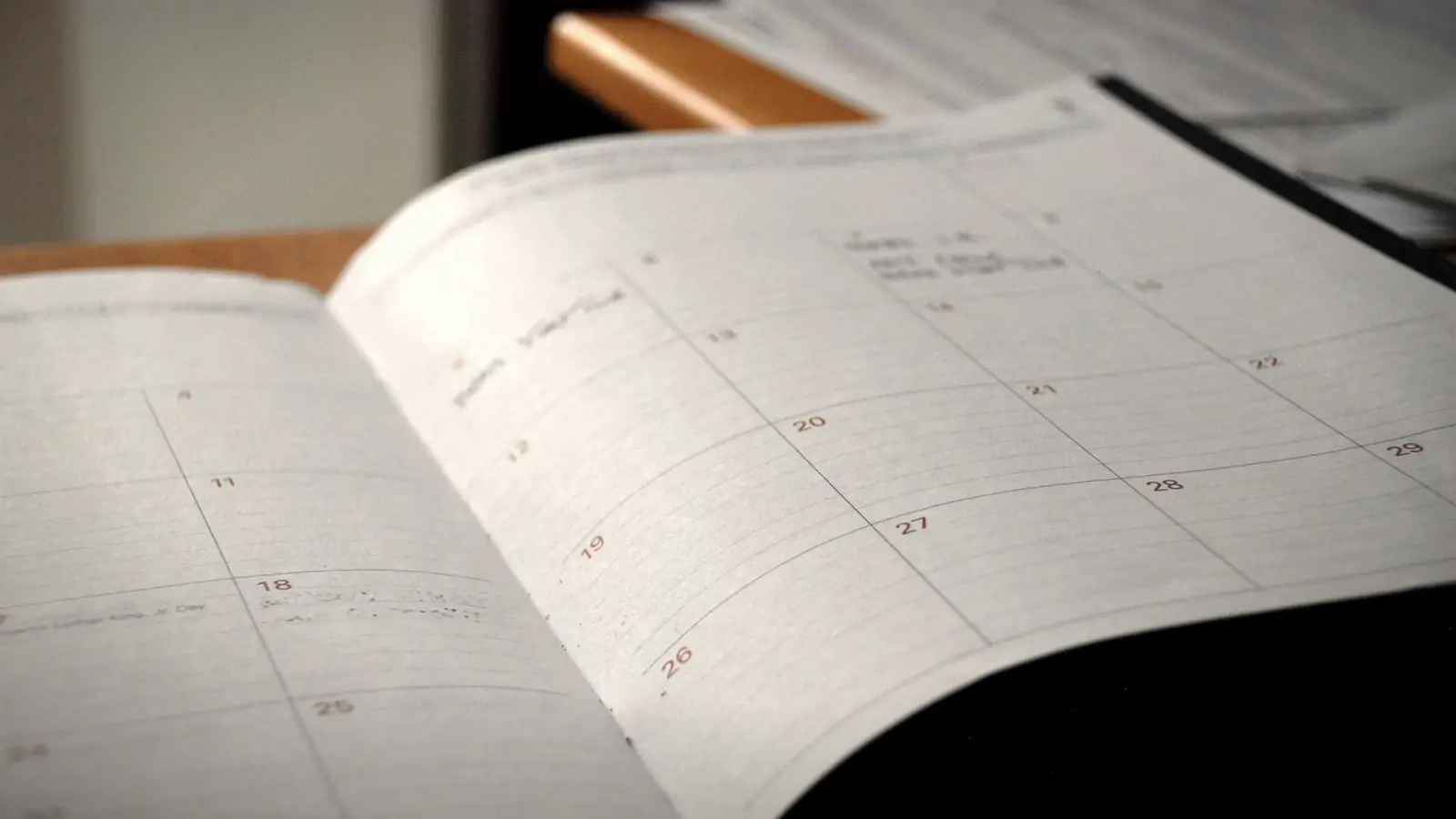
Here are the three common approaches, from simplest to most automated, what each suits, and the settings that make online booking work rather than create new problems.
01
Option 1: WhatsApp booking
A "Book on WhatsApp" button with a prefilled message, such as "Hi, I'd like to book an appointment for…", is the simplest option. Customers are comfortable with it, and you keep full control of the diary. It works well for small businesses with a manageable number of bookings and someone available to reply quickly.
The downside is that it still depends on a person replying. Slow replies mean lost bookings, especially in the evening when many people plan.
02
Option 2: a booking request form
A short form asking for name, phone, service and preferred date and time lets customers request a slot at any hour. You confirm by phone or WhatsApp. It captures requests outside business hours and gives you the details in one place. It is still a request, not an instant booking, so confirm promptly, and say on the form when people can expect to hear back.
03
Option 3: a scheduling tool
Scheduling tools show real available slots and let customers book instantly. They can send confirmation and reminder messages, allow rescheduling, take advance payments and sync with your calendar. Many offer free plans for basic use and paid plans for features such as multiple staff, payments and SMS or WhatsApp reminders.
They can be embedded on your website or linked from a booking button.
Choose a tool that supports Indian payment methods if you want to take advance payments or deposits.
04
Prevent double bookings
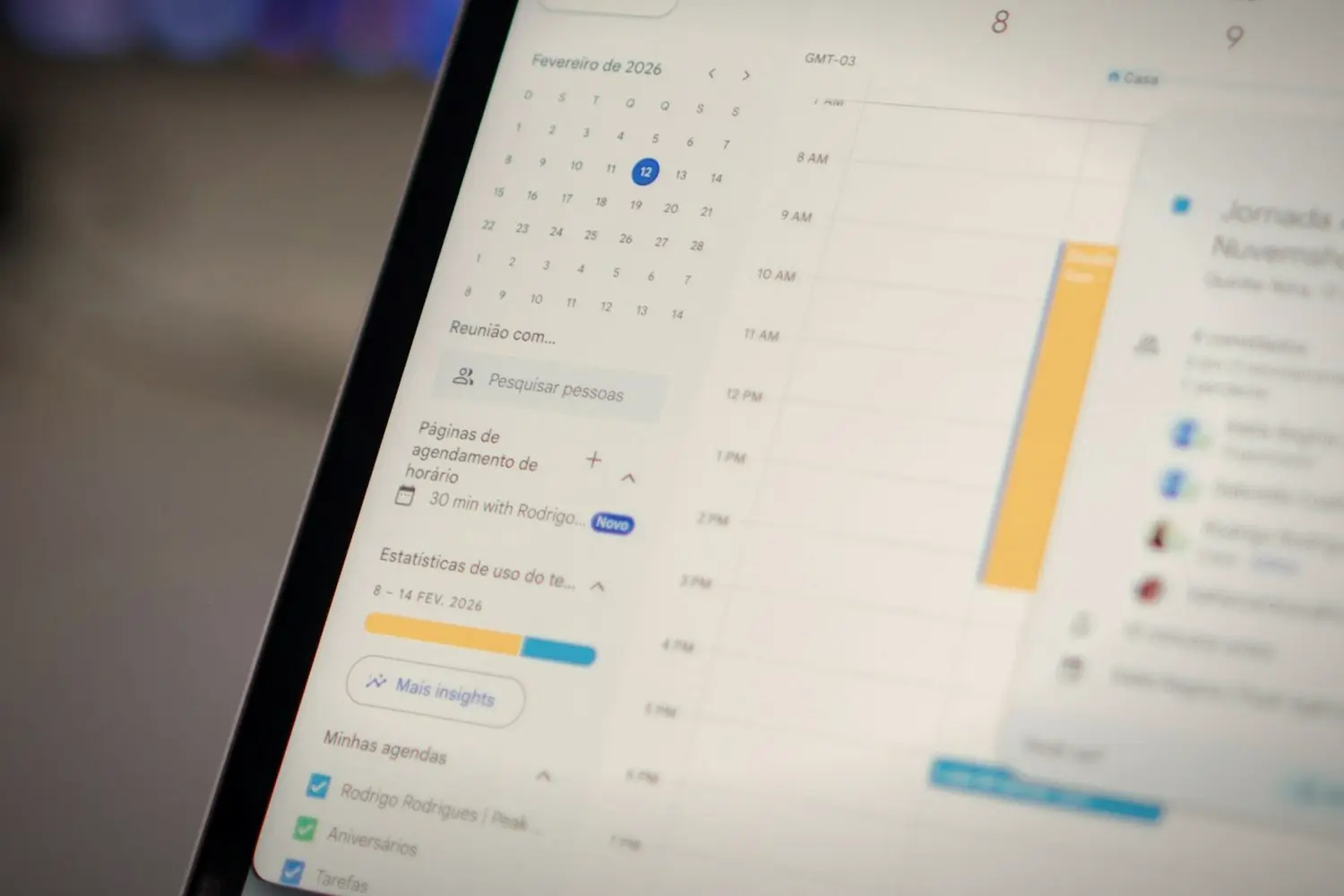
If bookings come from several places, such as the website, phone, walk-ins and booking apps, they must all update one calendar. Otherwise double bookings are inevitable. Connect the scheduling tool to the calendar staff already use, and make sure phone bookings are entered there too.
05
Reduce no-shows
Automatic reminders a day before and a couple of hours before the appointment noticeably reduce no-shows. A clear cancellation policy, shown at booking, helps. For high-value appointments, a small advance payment or deposit makes customers more committed, but adds friction, so use it where no-shows are a real cost.
06
Keep the booking flow short
Ask only what you need: service, date and time, name, phone. Long forms with many required fields lose people. Show prices and durations for each service in the booking flow, so there are no surprises. Test it on a phone yourself; most customers will book on mobile.
07
Privacy and sensitive information
Clinics and other businesses dealing with sensitive information should be careful about what booking forms collect and where it is stored. Ask for the minimum needed to book, avoid collecting health details through basic forms, and check the tool's data handling. Mention booking data in your privacy policy.
08
Introduce it to existing customers
Regular customers are used to calling. When you launch online booking, tell them: a line on the receipt, a message to your customer list, a sign at the counter with a QR code, a note in your WhatsApp auto-reply. Keep taking phone bookings as before, but suggest the online option. Most people switch once they find they can book at eleven at night without waiting for a reply.
Start simple, then automate
If you are not sure online booking will suit your customers, start with a WhatsApp button and a request form. If requests grow and replying becomes a bottleneck, move to a scheduling tool with instant booking and reminders.
The best booking system is the one your customers actually use.
Whatever you choose, put the booking button on every page, especially on mobile, and make sure someone is responsible for checking and confirming bookings every day.
Choosing a booking approach
- A few bookings a day, quick replies possible. WhatsApp button.
- Bookings outside hours, manual confirmation fine. Request form.
- Many bookings, several staff, no-shows a problem. Scheduling tool with reminders.
- High-value appointments. Scheduling tool with deposits.
You can combine them: a scheduling tool for standard services, and WhatsApp for questions or special requests.
Quick answers
How can I add appointment booking to my website?
Options include a WhatsApp booking button, a booking request form or an online scheduling tool embedded or linked from your site. The right choice depends on volume and staff.
How do I reduce no-shows for appointments?
Send automatic reminders before appointments, show a clear cancellation policy, and for high-value appointments consider a small advance payment.
Can customers pay when booking online?
Many scheduling tools support advance payments or deposits. Choose one that supports Indian payment methods such as UPI and cards.
Related reading
Bookings while you work.
I set up websites with the booking option that suits your volume, from a WhatsApp button to a scheduling tool with reminders, tested on phones. Tell me how many appointments you take a week.