
Video · 5 min read · October 2026
Editing or motion graphics?
"Can you add some animation?" is one of the most common requests in video projects, and one of the most common reasons quotes change. Editing and motion graphics often happen in the same video, but they are different kinds of work, and they are priced differently for good reason.
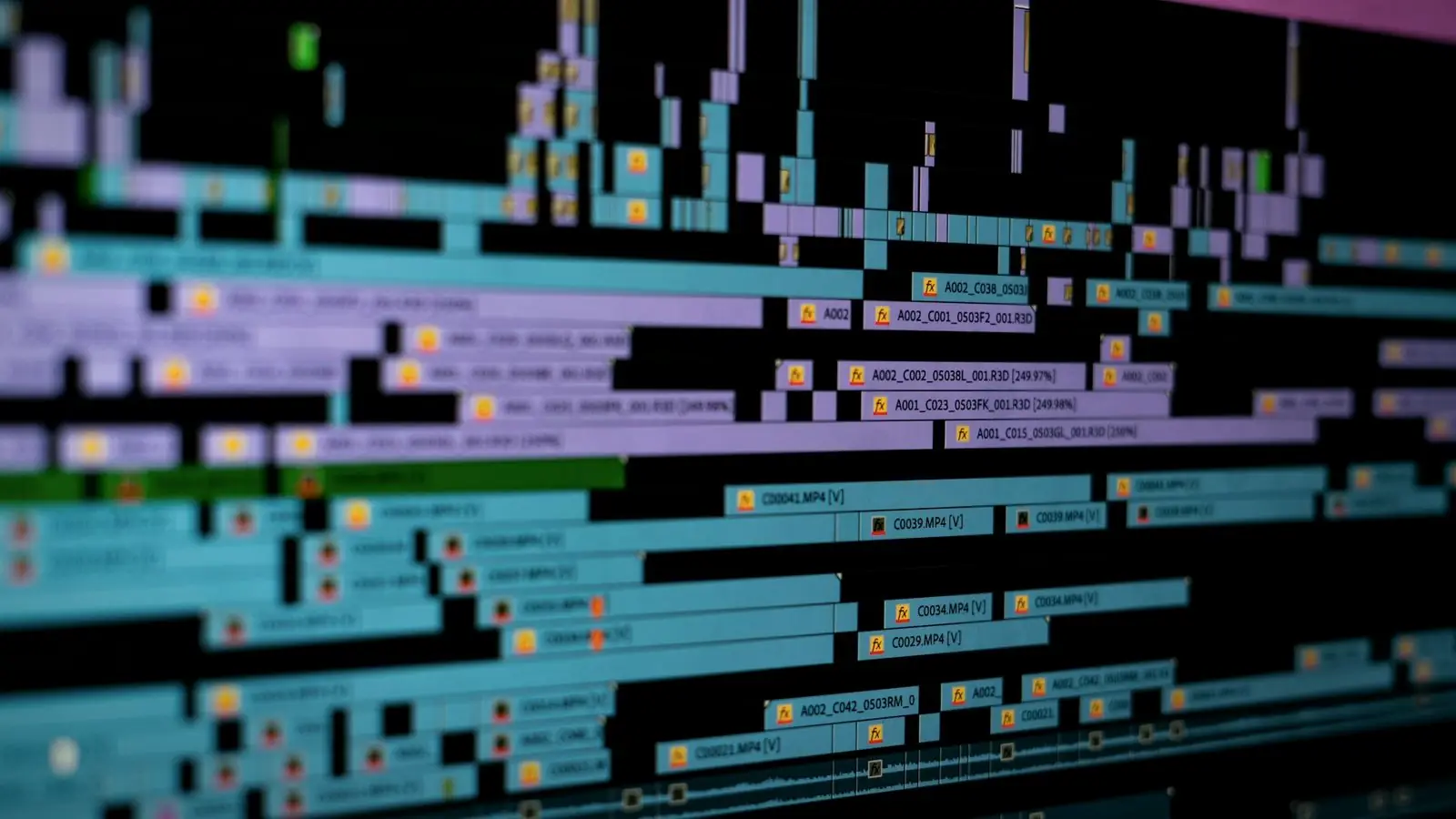
Here is what each involves, which jobs need which, why animated elements often cost more than the edit itself, and how to brief both clearly.
01
Video editing: shaping footage
Editing is selecting, ordering and timing footage to tell a story: choosing the best takes, cutting out pauses, adding B-roll, balancing audio, adding music, correcting colour and adding captions and simple titles. The raw material is footage someone filmed. The skill is in judgement, rhythm and storytelling.
A good edit is often invisible. Viewers do not notice the forty cuts in a two-minute interview; they just notice that it holds their attention and makes sense. Most of an editor's time goes into watching footage and making hundreds of small decisions about what to keep, what to cut and in what order, which is why the amount of footage matters so much to the price.
02
Motion graphics: animating design
Motion graphics is animated graphic design: logos that build and move, animated charts and statistics, icons and diagrams that explain a process, kinetic text, transitions designed from scratch and fully animated explainers. The raw material is design, often created from nothing. The skill is closer to graphic design and animation.
It usually happens in different software, such as After Effects, and starts with style frames: still designs showing how the animation will look, approved before any movement is added. That design stage is part of why motion work takes longer.
03
Where they overlap
Most business videos need a little of both. Lower-third name titles, simple animated text, a logo at the end and basic captions are standard editing tasks, often built from templates and included in an edit price. Custom animated infographics, product callouts that track a moving object, or a fully animated section are motion design work.
If it has to be designed before it can be animated, it is motion graphics.
04
Why motion work costs more
A few seconds of custom animation can take hours: designing each frame, animating every element, timing it to the voice-over and revising. Editing time scales with footage; motion time scales with the complexity of each graphic. A 60-second fully animated explainer typically involves much more work than editing a 60-second interview.
05
Templates: quick, but shared
Many editors use animation templates for titles and transitions. They are fast and affordable, and perfectly fine for many videos. The trade-off is that the same templates appear in many other people's videos. If your brand needs a distinctive look, custom-designed motion elements, created once and reused across videos, are worth the investment.
06
Briefing the edit
For editing, the brief is about story and footage: purpose of the video, audience, length, key messages, which takes or people to feature, music mood, references, where it will be posted. Send the footage organised, with notes on the best moments and any names to spell correctly.
07
Briefing motion graphics
For motion graphics, the brief is about design and information: brand guidelines (fonts, colours, logo files), exactly what text and numbers must appear, the script or voice-over the animation follows, and visual references for style. Changes to the script after animation starts are expensive, so lock the words first.
Name the graphics in the brief
"Some animation" can mean a fading title or a full minute of animated diagrams. The clearer you are about which graphics you want, the more accurate the quote, and the fewer surprises later.
List every graphic you want, then ask which are editing and which are motion.
If you are not sure what you need, send a reference video and point to the moments you like. An editor can then tell you what is template work and what is custom.
Usually included in an edit
- Captions and subtitles. Styled and hand-checked.
- Lower thirds. Names and roles, brand-matched.
- Simple titles. Section headings, end card with contact details.
- Logo placement. Static or a simple fade.
Usually quoted separately: custom animated logos, animated charts and infographics, product callouts, fully animated scenes and explainers. In my rate card, animated explainers start at ₹14,000.
Quick answers
What is the difference between motion graphics and video editing?
Video editing shapes filmed footage into a story. Motion graphics is animated graphic design, such as animated logos, charts, diagrams and explainers, often created from scratch.
Why does animation cost more than editing?
Custom animation requires designing and animating each element, so a few seconds can take hours. Editing time depends more on the amount of footage.
Are lower thirds and captions motion graphics?
Simple lower thirds, titles and captions are usually part of a standard edit. Complex custom animated elements are motion design work and often quoted separately.
Related reading
Clear about what's editing and what's animation.
My quotes separate the edit from any custom motion graphics, so you can see exactly what each costs. Send me a reference video and the graphics you have in mind.