
Video · 5 min read · October 2026
Interview videos that look professional
Interviews are the backbone of many business videos: founder stories, expert explainers, customer testimonials, employee profiles, podcasts. The difference between an interview that looks amateur and one that looks professional is rarely the camera. It is framing, sound, a second angle and the edit.
Here is how to set up an interview with one or two cameras, get clean audio, ask questions that produce usable answers, and what the edit does to turn a long conversation into a focused short film.
01
One camera or two
A single camera works, but every edit, removing a pause or a repeated sentence, creates a visible jump unless it is covered with B-roll. A second camera, at a different angle and framing, gives the editor somewhere to cut. The usual setup is one camera at a medium shot, from the chest up, and the second closer or from a side angle.
The second camera can be a phone. Match the frame rate and, as far as possible, the colour settings.
02
Framing and eye line
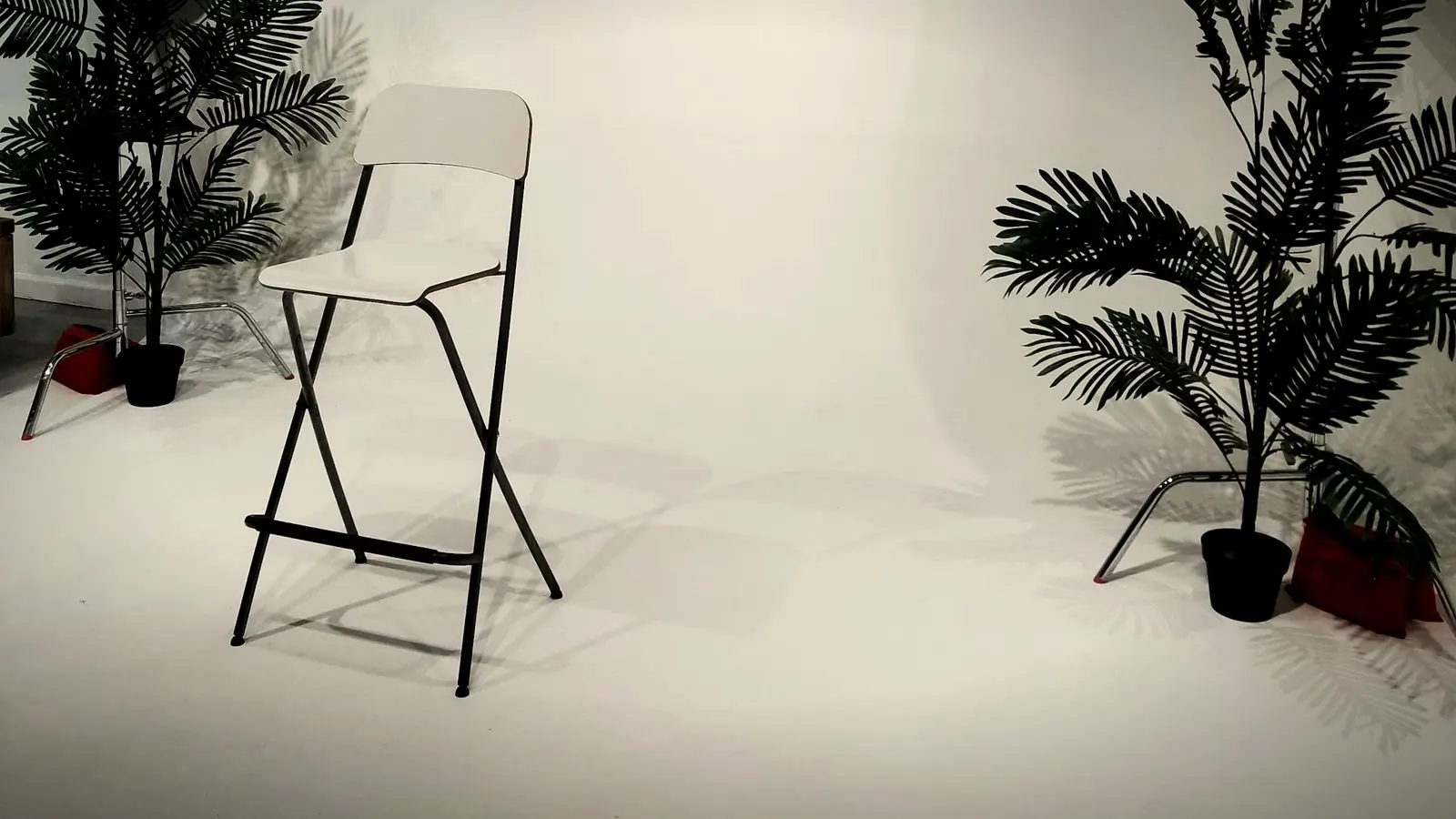
For documentary-style interviews, the subject looks at the interviewer, sitting just beside the main camera, not into the lens. Place them slightly off-centre, with more space in the direction they are looking. Keep the background simple and relevant, such as their workplace, with some distance behind them so it falls slightly out of focus.
03
Sound comes first
A lapel microphone on the subject, a hand's width below the chin, recording to the camera or a separate recorder. Record the camera's own audio too, as a backup and to help sync. Choose a quiet room with soft furnishings, and switch off fans and ACs during recording. Test with headphones before starting.
Clap once on camera at the start of each take. It makes syncing two cameras and separate audio quick in the edit.
04
Ask for full-sentence answers
In the final video, the interviewer's questions are usually cut out. Ask the subject to include the question in their answer: "I started the business in 2015 because…" rather than "2015, because…". Ask open questions, follow up with "can you give me an example?", and let silences sit; the best line often comes after a pause.
05
Lighting
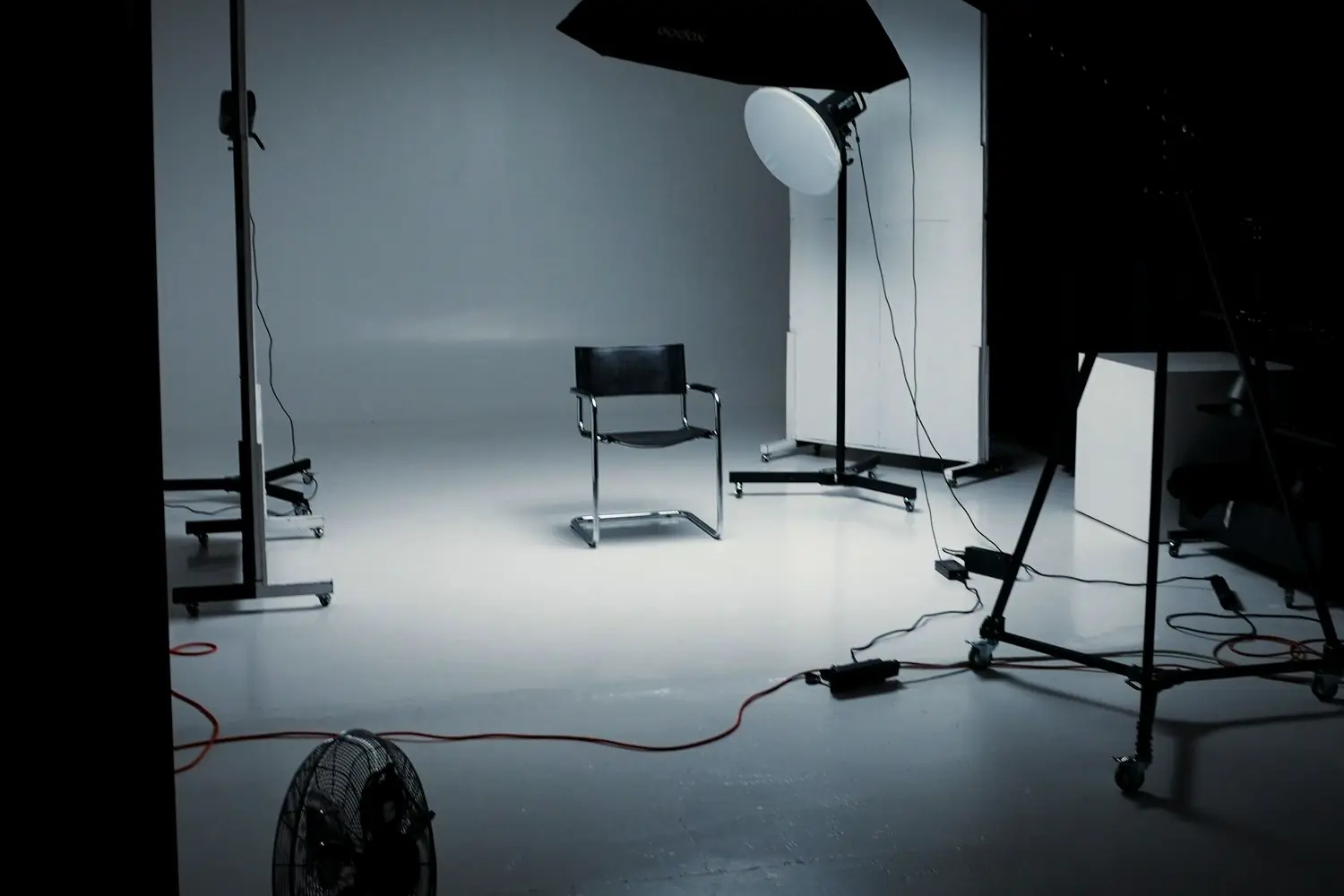
Soft light from the side, such as a window at 45 degrees or a soft LED, gives faces shape. A white surface on the other side softens shadows. Avoid having a bright window behind the subject. Keep the light consistent for the whole interview; changing daylight over an hour can make clips mismatch.
06
What the edit does
An hour of conversation becomes two to five minutes. The editor finds the strongest answers, orders them into a story, removes repetition and filler, cuts between cameras, covers joins with B-roll, balances and cleans audio, matches colour between cameras, and adds lower-third titles and captions. Short clips of the best moments become reels.
07
Prepare the subject
Share the topics, not the exact questions, in advance. Tell them it is fine to stop and restart any answer. Ask them to wear solid colours, avoiding fine stripes, and to bring a change of top if possible. Spend a few minutes chatting before recording; people relax once they have talked for a while.
08
Multi-person interviews
For two people talking, such as a founder and a co-founder or a podcast host and guest, each person needs their own microphone and, ideally, their own camera angle, plus a wide shot showing both. Seat them at a slight angle to each other rather than side by side, so both faces are visible. The editor cuts between speakers as they talk, which keeps the conversation lively even when it runs long.
The second angle pays for itself
Adding a second camera, even a phone on a tripod, roughly doubles the editor's options. Mistakes can be cut cleanly, the pace can be lifted, and the finished video looks more professional for very little extra effort at the shoot.
Two angles and one good mic beat one expensive camera.
If you can only add one thing to your interview setup, add the lapel mic. If you can add two, add the second camera.
Interview setup checklist
- Camera A. Medium shot, subject off-centre, looking at interviewer.
- Camera B. Closer or side angle, same frame rate.
- Audio. Lapel mic plus camera audio, tested on headphones.
- Light. Soft side light, nothing bright behind the subject.
- Sync. A clap on camera at the start of every take.
With this setup, the edit can focus on story and pace rather than repairing problems, which saves both time and money.
Quick answers
Do I need two cameras for an interview video?
Not necessarily, but a second angle makes editing much easier and the result looks more professional. A phone on a tripod can be the second camera.
Where should the interviewee look?
For most business interviews, at the interviewer sitting just beside the main camera, not directly into the lens.
How long does it take to edit an interview video?
It depends on the length of the recording and the finished video. A testimonial cut to about a minute typically takes three to four days, including review.
Related reading
From an hour of talk to a sharp short film.
I edit interview videos with multi-camera cuts, cleaned audio, B-roll, titles and captions, plus short clips for social media. Send me your recording and what it is for.