
Video · 5 min read · October 2026
What AI video tools can and can't do
AI has changed video editing quickly. Tools can transcribe speech, remove pauses, generate captions, pick clips from long videos, clean up audio and even generate voices. For businesses, this raises a fair question: what can now be automated, and what still needs a person?
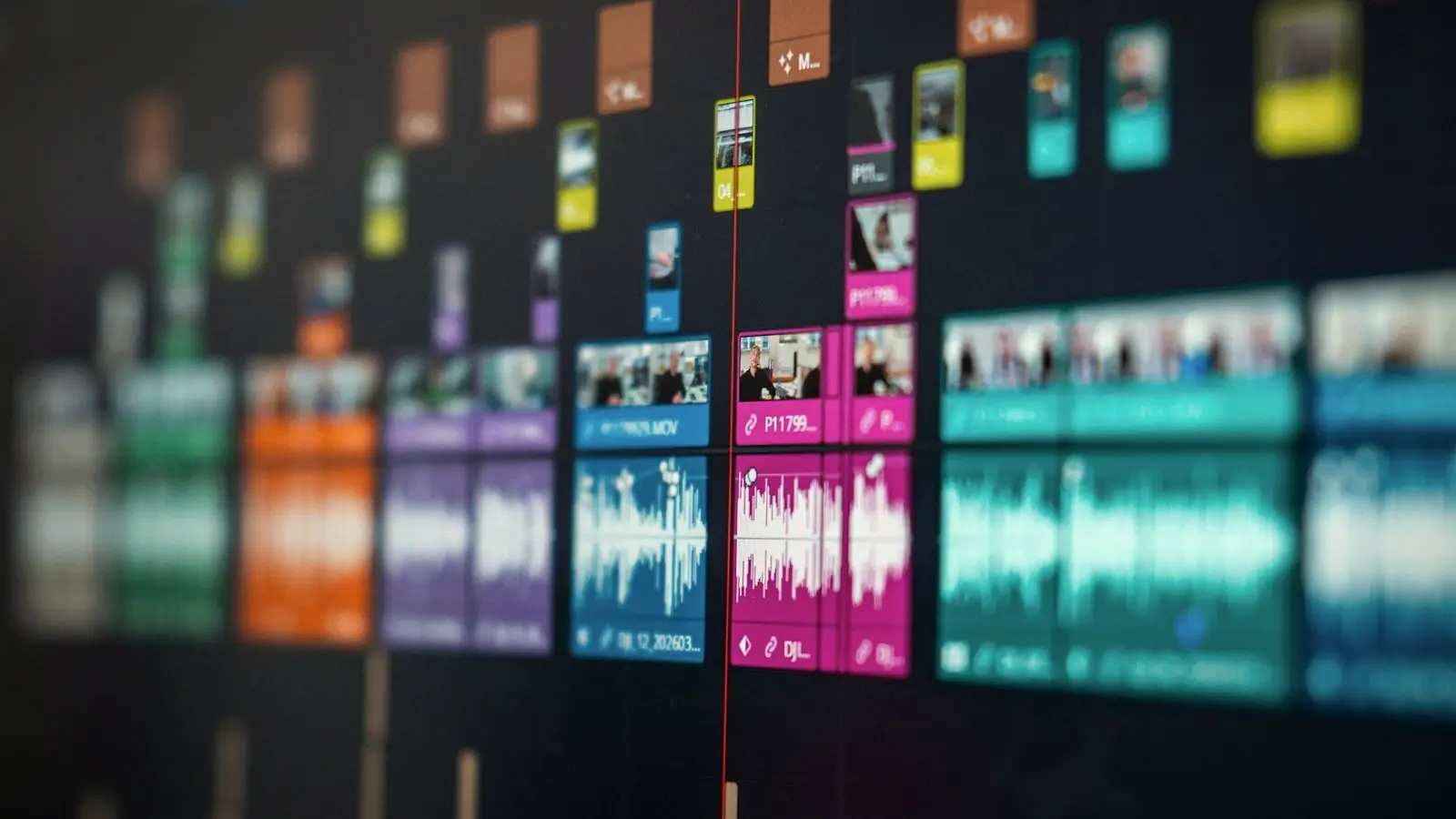
Here is an honest look at what AI editing tools do well today, where they struggle, and how editors, including me, use them. Tools change fast, so specific features will keep improving.
01
Transcription and captions
Automatic transcription is now fast and often accurate for clear English speech. It saves a lot of time creating captions. It is less reliable with heavy accents, background noise, technical terms, brand and personal names, and Tamil or mixed Tamil-English speech. Captions still need checking line by line; mistakes in names and numbers are common and noticeable.
Transcripts are useful beyond captions: they make it quick to find a particular sentence in an hour of footage.
02
Silence and filler removal
Tools that detect pauses and filler words, such as "umm" and "you know", and cut them automatically speed up rough cuts of talking videos. The results can feel choppy if applied blindly, because some pauses are natural and give the viewer time to absorb a point. A person still needs to review the rhythm.
03
Auto-clipping long videos
Some tools scan a podcast or webinar and suggest short clips for reels and shorts. They are useful for finding candidates quickly. But they tend to pick moments that look engaging on paper, such as loud or emotional ones, rather than the moments that best represent your expertise or message. A human choice of clip, with a proper hook and context, usually performs better.
04
Audio clean-up
AI audio tools can remove background noise and improve voice clarity impressively, sometimes rescuing recordings that would have been unusable a few years ago. Overdone, they make voices sound processed or robotic. Used carefully, they are one of the most valuable AI tools for business video.
05
AI voices and avatars
Generated voice-overs and talking avatars can be useful for internal training, quick explainers or translations. For customer-facing brand content, many viewers notice and trust them less than a real person. Be transparent about AI-generated people or voices, and never use them to imitate real people without consent.

06
What still needs a person
Understanding what the video is for and who it is for. Choosing which story to tell from hours of footage. Judging emotion and timing, especially in weddings, testimonials and brand films. Knowing which moment matters to the client and their family. Checking accuracy, legal and music rights, and brand consistency. These are judgement calls, and they are what make a video work.
07
How editors use AI
Most professional editors now use AI for the mechanical parts: transcription, rough silence removal, audio clean-up, finding clips, generating caption drafts. That frees time for the creative and judgement-heavy parts. For clients, it can mean faster turnarounds; the craft is in how the tools are used, not whether.
08
Using AI tools yourself
If you edit some content in-house, AI features in common apps are worth learning: auto-captions, background noise removal and automatic reframing for vertical video. Treat every output as a first draft. Check captions word by word, listen to cleaned audio on headphones and watch auto-cut videos all the way through before posting. The tools save time only if the result does not need to be redone after a viewer points out a mistake.
AI speeds up the work, not the thinking
The tools are excellent at repetitive, mechanical tasks. They are not yet good at knowing what your audience needs to see, what your brand should feel like, or which three seconds in a three-hour wedding matter most to a family.
Let AI do the typing, keep a person on the choosing.
If you use AI tools yourself, always check captions, names and numbers, listen to cleaned audio on headphones, and watch the whole video before posting.
AI tools: good uses and cautions
- Captions. Great first draft; always proofread, especially names and Tamil.
- Silence removal. Speeds rough cuts; review rhythm by eye.
- Auto-clips. Good for finding candidates; choose final clips yourself.
- Noise removal. Very useful; avoid over-processing voices.
- AI voices and avatars. Fine for internal use; be transparent with customers.
Used this way, AI makes editing faster and cheaper without making videos feel generic or careless.
Quick answers
Can AI edit my videos for me?
AI can handle mechanical tasks such as transcription, captions, silence removal, audio clean-up and suggesting clips. Choosing the story, pacing and moments still benefits from human judgement.
Are AI-generated captions accurate?
Often for clear English speech, but less so with names, technical terms, accents, noise and Tamil or mixed speech. Always proofread them.
Should my business use AI voices in videos?
They can work for internal training or quick explainers. For customer-facing content, a real voice usually builds more trust. Be transparent about AI-generated voices or people.
Related reading
AI for speed, judgement for the rest.
I use AI tools for transcription, clean-up and rough cuts, then edit by hand for story, pacing and accuracy. Captions are always checked by a person. Send me something you want edited.