
When client deadlines are close and your timeline is empty, the right website can save your project. From stock footage to templates to online editors, these five platforms can seriously level up your edits.
Let’s break them down like a fellow editor would explain them over a coffee.
Motion Array
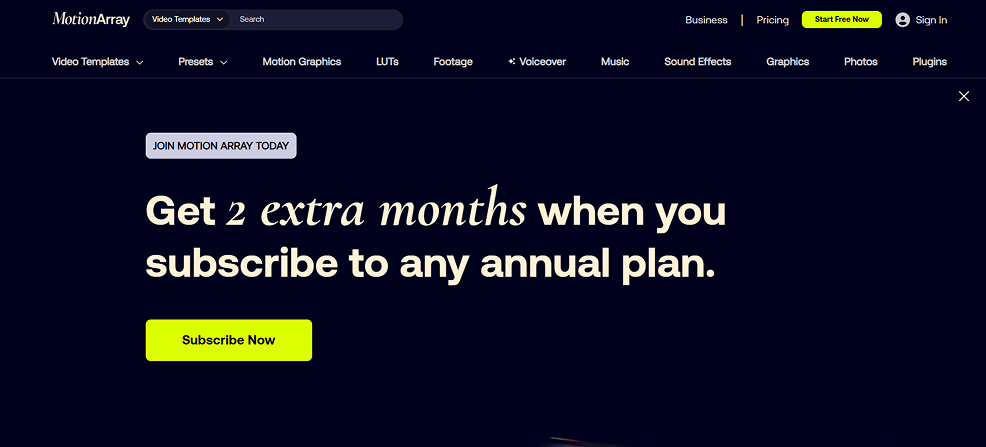
Motion Array is like a toolbox built specifically for video editors. You get templates, transitions, LUTs, stock footage, music, and even collaboration tools under one subscription.
Why editors love it:
- Huge library of Premiere Pro, After Effects, DaVinci Resolve, and Final Cut templates focused on video, not generic design.
- Built‑in plugins and an extension for Adobe, so you can search and drag assets straight into your timeline.
- Extra perks like portfolio pages and review links to share work with clients.
If you live inside Premiere Pro or After Effects and want video‑first assets, Motion Array feels very natural to use.
Envato (Envato Elements)
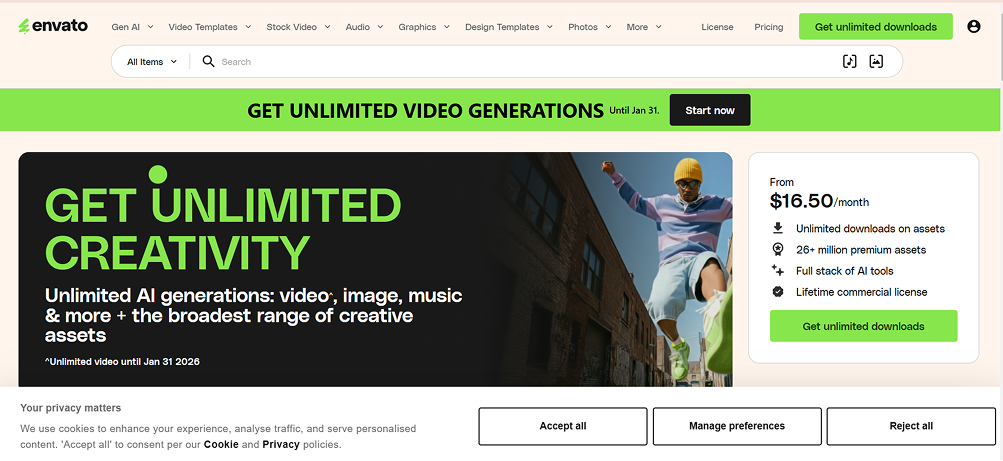
Envato Elements is the “all‑you‑can‑eat” buffet of digital assets. Along with video templates and footage, you also get fonts, graphics, website templates, and more.
Why it’s awesome for editors:
- Massive library with millions of assets, including stock video, music, sound effects, and graphics.
- Great if you handle not just editing, but also thumbnails, social posts, and branding for clients.
- Powerful search filters (especially for music) based on mood, genre, vocals, BPM, and more.
If you’re a video editor who also designs social assets or brand visuals, Envato can cover almost everything in a single subscription.
Mixkit
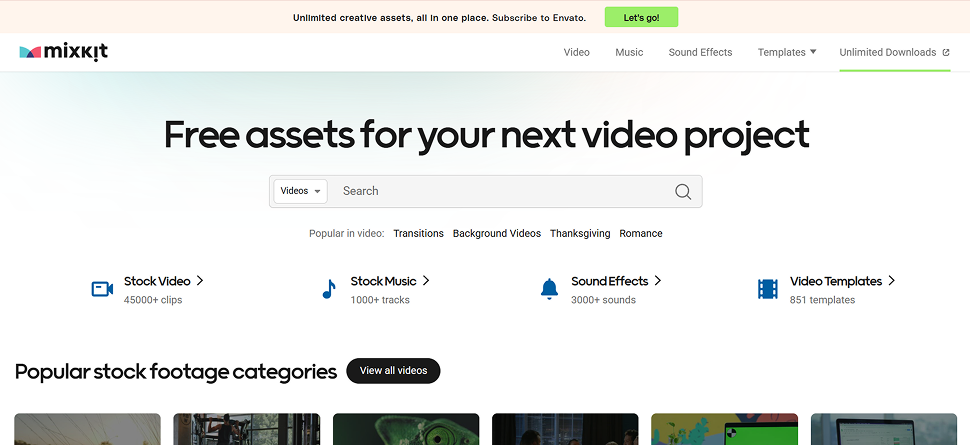
Mixkit is a gem when you need quick, free resources. It offers completely free stock videos, music, sound effects, and some templates for popular editing software.
Why it’s handy:
- Free to use, with high‑quality clips that work well for B‑roll, intros, or filler shots.
- Simple browsing with curated categories like lifestyle, nature, urban, and more.
- Also provides free Premiere Pro templates, sound effects, and music tracks suitable for YouTube and social content.
If you’re just starting out or working on low‑budget edits, Mixkit helps you keep your projects looking polished without spending money.
VEED.io
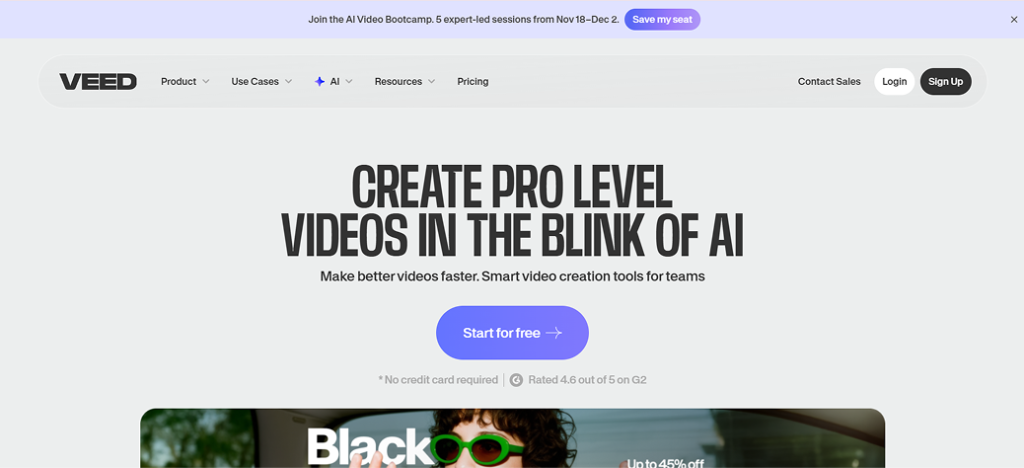
VEED.io is an online video editor that runs in your browser. It focuses on making editing, captioning, and repurposing content fast and beginner‑friendly.
Why creators like it:
- Easy trimming, cropping, adding subtitles, and resizing for different platforms without installing software.
- Auto‑subtitles and caption tools that are great for short‑form content like Reels, Shorts, and TikToks.
- Useful for quick edits, social media content, client reviews, or when your main editing machine isn’t available.
If you batch‑edit social content or handle client clips that need fast turnaround, VEED.io can slot nicely into your workflow.
FlexClip
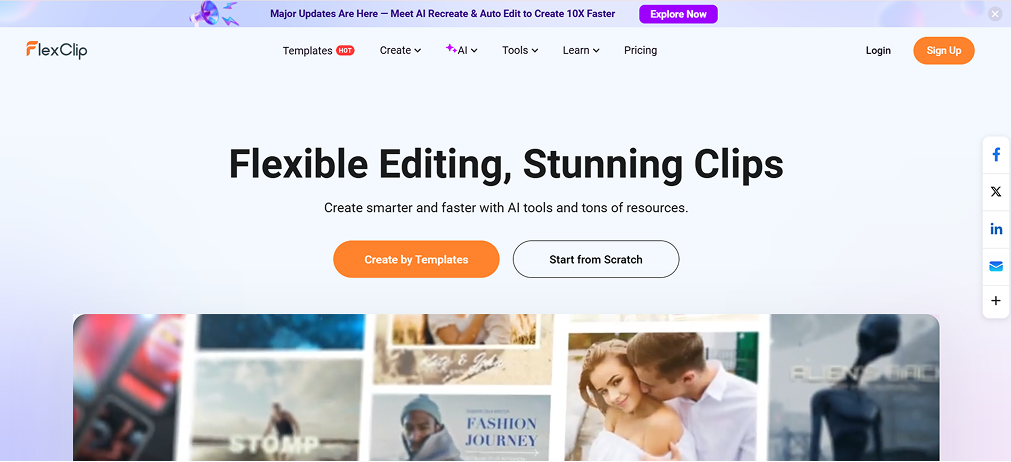
FlexClip is another browser‑based video editor focused on speed and templates. It is especially helpful when you need simple, clean videos without opening heavy software.
Why it’s useful:
- Drag‑and‑drop interface that works well for non‑editors or clients who want to build simple videos themselves.
- Template‑driven editing for promos, product videos, intros, and quick social clips.
- Built‑in stock media, text styles, and basic effects for fast, lightweight projects.
If you create explainer videos, quick promos, or social ads, FlexClip can help you turn ideas into share‑ready videos in minutes.
Quick recap table
| Website | Best For | Key Strength |
|---|---|---|
| Motion Array | Professional editors in Adobe / Resolve | Video‑focused templates, plugins, collaboration. |
| Envato | Editors + designers/marketers | Huge library across video and design assets. |
| Mixkit | Beginners / budget projects | Free stock footage, music, and templates. |
| VEED.io | Social content creators | Online editor with strong caption tools. |
| FlexClip | Quick promos and simple edits | Browser‑based templates and easy workflows. |